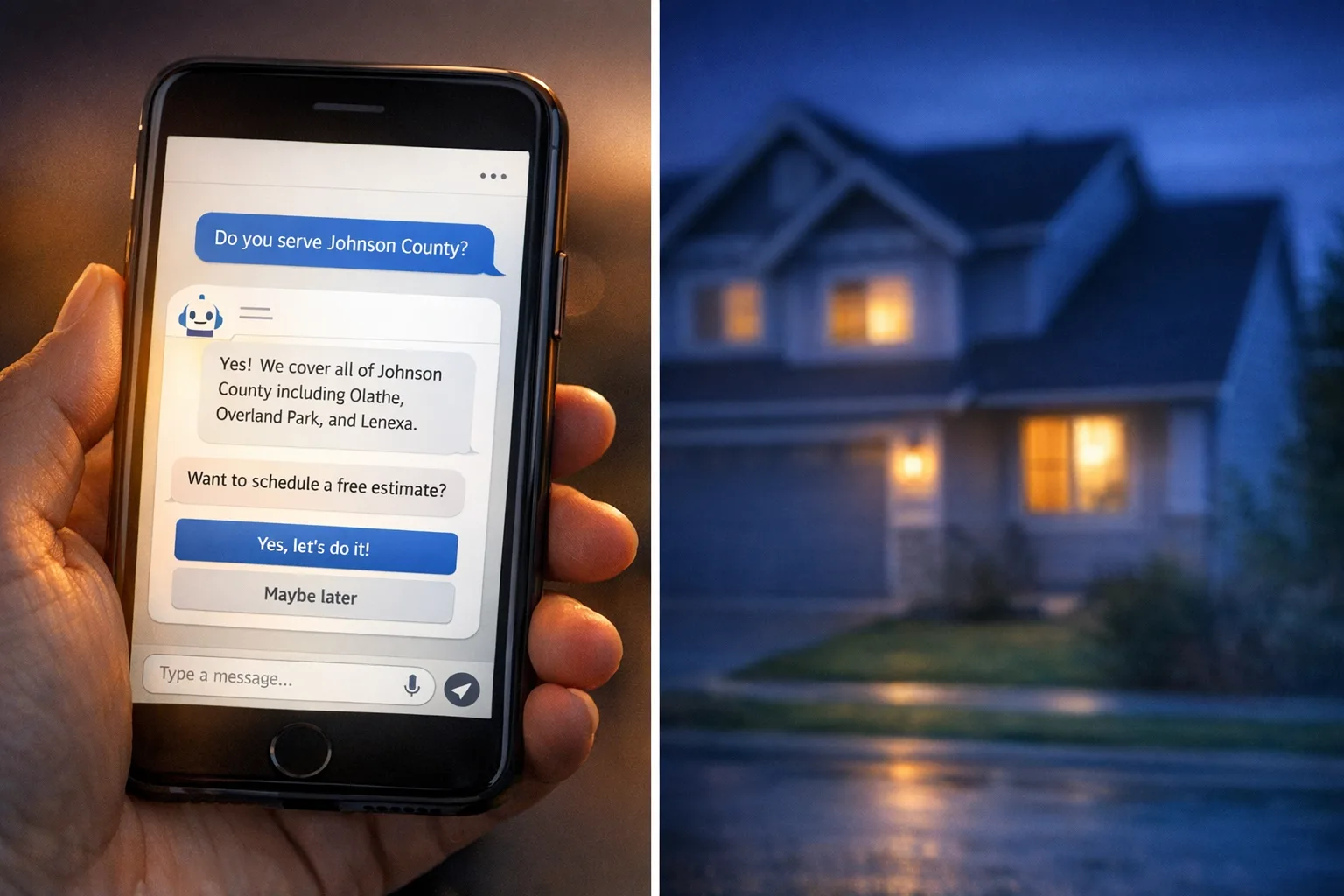
You’ve probably talked to a website chatbot that couldn’t answer a basic question.
Something like:
“Do you service my ZIP code?”
“Can you replace a panel, or just repair it?”
“Do you offer emergency calls on weekends?”
And the bot replies with the digital equivalent of a shrug: “Please contact us for more information.” Very inspiring.
I build these features into real business websites, and the skepticism is fair. A lot of AI website features are bad because they were added like a decorative plant: someone dropped them into the corner of the site and hoped they’d make the place look modern.
That’s usually the problem. Not that the technology is magic and failed us. More that nobody gave it the information it needed, nobody decided what it should handle, and nobody checked whether it was actually useful for customers.
So let’s cut through the hype.
A chatbot can be genuinely useful for a service business. But only when it’s trained on the actual business, limited to the jobs it can do well, and backed by content that reflects reality instead of marketing fluff.
That’s the difference between “annoying widget” and “helpful assistant.”
Why most chatbots are bad
Most bad bots fail in one of three ways:
1. They don’t know the business
If the chatbot hasn’t been connected to your real service pages, FAQ content, policies, service area, and common customer questions, it has nothing solid to work from.
Then it starts guessing.
Guessing is where bad AI gets weird. That’s how you end up with a chatbot for plumber/electrician website projects telling people you offer a service you’ve never touched, or claiming 24/7 emergency support because it saw those words on some generic homepage copy.
2. They’re expected to do too much
A website bot should not act like a service manager, dispatcher, estimator, and legal department all at once.
What it can do well is answer repetitive pre-sales and support questions:
What areas do you serve?
What types of jobs do you handle?
Do you work on residential, commercial, or both?
What’s the next step to request a quote?
What information should I have ready before booking?
That’s useful. It saves time. It helps visitors at the exact moment they’re deciding whether to contact you.
What it should not do is confidently diagnose a failing electrical system from two sentences typed at 11:43 p.m. No one needs a spicy autocomplete making safety decisions.
3. The site content is weak to begin with
This is the part people skip.
If your website barely explains your services, has an outdated service area page, and still says “we pride ourselves on quality” six times without giving any concrete answers, the chatbot won’t somehow fix that.
A bot is only as helpful as the information behind it. That’s why, when I build an AI chatbot for contractor website projects, the first step is usually not “install chatbot.” It’s “clean up the source material.”
That means creating a usable AI knowledge base business owners can actually maintain: service pages, FAQs, policy details, city pages, financing info, warranty basics, and escalation rules.
What’s different when it’s trained on your actual business
When this is done properly, the chatbot is not pulling answers out of thin air. It’s answering from a defined set of business information.
In practice, that usually means we give it access to:
Core service pages
FAQ content
Service area details
Office hours and emergency availability
Financing or payment information
Warranty language
Intake instructions
Contact and scheduling paths
Then we set guardrails.
For example:
If asked about pricing, give ranges only if approved
If asked to diagnose a dangerous issue, recommend calling directly
If asked about a service area outside coverage, say so plainly
If the answer isn’t in the knowledge base, don’t invent one
That last one matters more than people realize. A good chatbot should be allowed to say, “I’m not sure based on the information I have. Want me to point you to the office?”
Honestly, that’s a better customer experience than a slick fake answer.
A realistic example: local electrical contractor
Let’s say you run an electrical company serving a metro area and nearby suburbs.
A visitor lands on your site at 8:15 p.m. They’re not ready to call yet. They type:
“Do you replace electrical panels in older homes in Westfield?”
A useful bot can answer:
“Yes, we handle electrical panel replacement for older homes, including service upgrades where needed. Westfield is in our service area. If you want an estimate, we’ll usually ask for the home age, panel brand if known, and whether you’re having issues like tripping breakers, flickering lights, or warm panel components.”
That’s good. Specific, grounded, and actionable.
Then they ask:
“Can you tell me if my panel is unsafe?”
A good bot should not pretend to inspect a panel through text. It should say something like:
“I can share common warning signs, but I can’t determine safety from chat alone. If you notice burning smells, buzzing, hot breakers, visible corrosion, or frequent tripping, contact an electrician right away. If this seems urgent, call the office or emergency line.”
That is the right use of AI features for service business websites: help with screening, education, and next steps — not replacing a licensed person.
Where the real value shows up
When these systems work, the biggest wins are usually boring in a good way.
Not “the robot transformed everything.” More like:
Fewer missed leads after hours
Better-qualified quote requests
Less staff time spent answering the same questions
More visitors reaching the correct service page
Better conversion from informational traffic
That last one matters if you’re already publishing content.
A lot of businesses are interested in AI blog writing small business workflows because they want more content without paying for endless manual drafting. Fair enough. The problem is that fully automated blog content often reads like it was assembled by a committee of sleep-deprived interns who have never held a wrench.
The useful middle ground is this: use AI to help draft content from your real expertise, then review it like a human who values not sounding ridiculous.
That content can then feed the chatbot, which makes the chatbot smarter over time.
So there’s a connection between automated blog content, FAQ growth, and a better on-site assistant. But the quality chain matters. If you publish junk, the bot learns junk.
This is why I usually treat the chatbot and content system as part of the same project, not separate toys. If you’re curious how that looks in practice, this overlaps a lot with our work on AI website features and content management systems that support ongoing updates.
What setup actually involves
No, setup is not effortless.
It’s not terrible either, but it does take some work if you want the thing to be helpful.
A proper setup usually includes:
Reviewing your existing website content
Identifying common customer questions
Writing or cleaning up missing answers
Defining what the bot should and should not answer
Testing edge cases and obvious failure points
Monitoring real chats and adjusting responses
This is the unglamorous part. It’s also the part that makes the feature work.
If someone tells you they can launch a perfect AI chatbot for contractor website use in 15 minutes with zero input from your team, what they mean is they can install a chat bubble in 15 minutes. Whether it helps anyone is a separate question.
When to skip it
You probably shouldn’t add a chatbot yet if:
Your site content is thin or outdated
Your service area and offerings are unclear
You don’t have someone available to review chat logs and improve it
Most of your business comes from direct referral and the site plays a minimal role
In that case, start with the foundation. Clear pages. Better FAQs. Stronger intake flow. Then add AI once there’s something solid for it to work with.
My practical recommendation
If you’re curious but skeptical, that’s a healthy place to start.
My recommendation is not “put AI everywhere.” It’s: start small.
For most service businesses, the best first move is a narrowly scoped chatbot trained on your real website content and business rules. Let it answer common questions, guide people to the right service, and hand off cleanly when the question needs a human.
Try it if:
your site already gets traffic,
visitors ask repetitive questions,
and your team loses time to the same pre-qualification conversations.
Skip it if your website basics are still a mess.
And if you do add one, judge it by practical standards:
Did it help real customers?
Did it reduce repetitive admin work?
Did it create better leads?
Did it avoid making things up?
That last one should not be optional.
The best business AI is rarely flashy. It just does a useful job, stays in its lane, and doesn’t embarrass you on your own website.
Which, to be honest, already puts it ahead of a surprising amount of software.