A homeowner is standing in the kitchen with a leak under the sink, phone in one hand, your website open in the other. They started your quote request form, got to a field they do not feel like filling out, and looked for your phone number instead. If that number is just text and not tap-to-call, there is a good chance they back out and call the next company on the list.
That is why click-to-call matters. It is a small change, but it removes one of the dumbest points of friction on a service business website: making someone copy or memorize a phone number when they are already on a phone.
What click-to-call actually does
Click-to-call turns your phone number into a tappable link on a mobile device. When someone taps it, their phone opens the dialer with your number ready to go.
That is it. No magic trick, no marketing theory. It just cuts out extra steps between "I need help" and "I am calling this business."
For a service business, those steps matter. A person looking for an electrician, plumber, or contractor is often not browsing for fun. They want to know whether you do the work, whether you serve their area, and how fast they can reach a real person. If your site makes them work for the call, some of them will not bother.
This is also why I do not treat forms and phone calls as separate things. They solve the same problem in different ways. Some people want to call now. Some want to send an online quote request after hours. Some are at work and do not want to make a call yet. A good site gives all three people an easy path.
That is the whole point of lead generation built into the website. Not flashy tricks. Just fewer chances for a real lead to give up.
What happens after someone taps or submits
The basic mechanic should be simple. A visitor either calls you, fills out a form, or asks for a callback.
If they tap the phone number, your website's job is to get them into the phone app without friction. If they submit a form, your website's job is to send that lead where you will actually see it right away. If they use a callback widget, your website's job is to collect their information cleanly and tell you about it immediately.
A callback widget is just a small prompt on the site that lets someone ask you to call them back. It is useful for people who do not want to stop what they are doing to call, but still want a response soon.
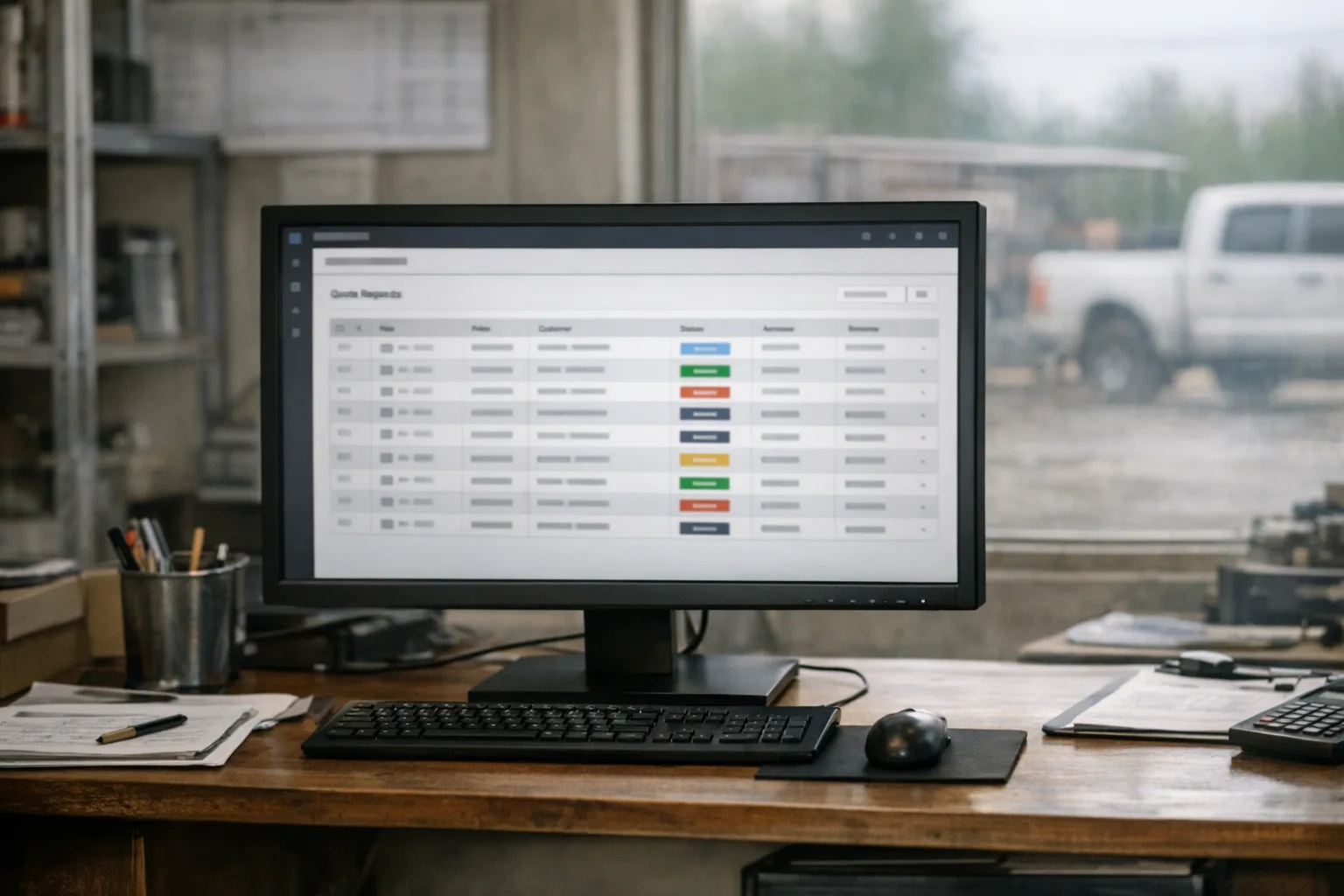
The part a lot of businesses miss is what happens next. A form submission should trigger an email notification the moment it comes in. The lead should also be stored in the website admin dashboard, so it is not living only in one inbox that might be full, filtered, or ignored until the end of the day.
That storage piece matters more than people think. I have seen businesses assume their form is dead when the form was working fine and the email was landing somewhere nobody checked. If the website keeps a record of every submission, you can verify what came in and when.
Response time beats just about everything else you can tweak on the page. If someone reaches out and hears back quickly, you are still in the running. If they hear nothing for too long, the nicest website in town is not going to save that lead.
How to test your own site honestly
Do not guess. Use your own phone and act like a customer.
Start with the phone number. Open your site on a mobile device and try to call your business in one tap. If you have to copy the number, switch apps, remember digits, or zoom in to hit tiny text, that is friction you can remove.
Then test your contact form for service business leads the same way a customer would. Fill it out from your phone, submit it, and watch what happens. Does it clearly say the form was sent? Does an email notification show up right away? Can you find the submission inside the admin area, or does it disappear into the void?
While you are there, count the required fields. I am not going to give you a magic number, because the right setup depends on the business and the page. But if your quote request form is asking for a full life story before someone can say "my water heater is leaking" or "I need an estimate," you are probably making that first contact harder than it needs to be.
Also check where the call to action appears. On a lot of sites, the phone number is easy to find on the home page and weirdly hard to find everywhere else. Your service pages, city pages, and contact page should all make the next step obvious. A service business call to action does not need to be clever. "Call now," "Request a quote," and "Ask for a callback" are perfectly fine if they are visible and easy to use.
One more useful test: ask your last few customers how they first got in touch. Not in a formal survey. Just ask. Did they call from the website, fill out the form, or find you some other way? Most owners have a rough idea, but not always an accurate one.
Why click-to-call helps, and where it does not
Click-to-call helps because it removes hesitation at the exact moment someone is ready to act. It does not create intent out of thin air.
If your website is unclear about what you do, does not mention your service area, or hides the contact options until the bottom of the page, making the phone number tappable will not fix all of that. It is still worth doing because it is basic usability, but it is not a substitute for a clear page.
It also does not fix slow follow-up. I want to be blunt about that because this is where a lot of "more leads" talk gets silly.
Your website can make it easier to start the conversation. It can turn website visitors into phone calls more often by cutting out extra steps. It can send instant notifications and store every lead in the dashboard so nothing gets lost. But when the phone rings, or the form comes in, the website has done its job.
What happens next is on the business.
If calls go unanswered, if callback requests sit until tomorrow, or if online quote request submissions get a vague reply days later, the problem is not your button color. It is follow-up.
And more leads are not automatically better leads. If your site gets easier to contact, you may hear from more people who are outside your service area, asking for work you do not do, or price shopping hard. That is normal. Part of the website's job is to pre-qualify a bit with clear service descriptions, service areas, and calls to action placed where they make sense. But no form can fully replace a real conversation.
What I would change this week
If you want a practical place to start, do these first.
- Make sure your phone number is tap-to-call on mobile, and place it somewhere obvious on every page.
- Submit your own form from your phone and verify that the confirmation message, notification email, and admin record all work.
- Tighten the path to contact. If the page buries the phone number, hides the quote request option, or never says what happens after someone reaches out, fix that language and placement.
If you want one more step, add a callback option for the people who are not ready to call in that moment but do want to hear back. That gives you another low-friction way to catch leads that might otherwise drift away.
When we build sites at ServingTheBest, this stuff is standard. We include contact forms and quote request flows, click-to-call on mobile, callback widgets, strategic call to action placement, instant email notifications, and lead records stored in the admin dashboard. It is part of the build, not a separate lead package bolted on later. You can see how we handle that on our custom website design service page and our lead generation features page.
If your current site makes people work too hard to contact you, fix the easy stuff first. Tap your own phone number. Submit your own form. Read your own follow-up like a customer would. Those few checks will tell you a lot faster than another sales pitch ever will.
If you want me to look at your setup, get a free quote through our contact page. Builds start at $600, monthly service starts at $50/mo, and the actual scope depends on the business.