At 9 PM, a homeowner in Blue Springs is standing in a basement with a leaking water heater, one hand on a flashlight and the other on a phone. They type "plumber near me" and start scanning fast. They are not studying your font choices. They are looking for one thing they can trust enough to tap: the right company, the right service, and the right phone number.
This is where NAP consistency matters more than most owners think. NAP stands for name, address, and phone number, and in local SEO for service businesses, it is one of the basic trust signals Google uses to decide whether your business information looks real, current, and dependable.
What NAP consistency actually means
NAP consistency means your business name, address, and phone number match everywhere they appear online.
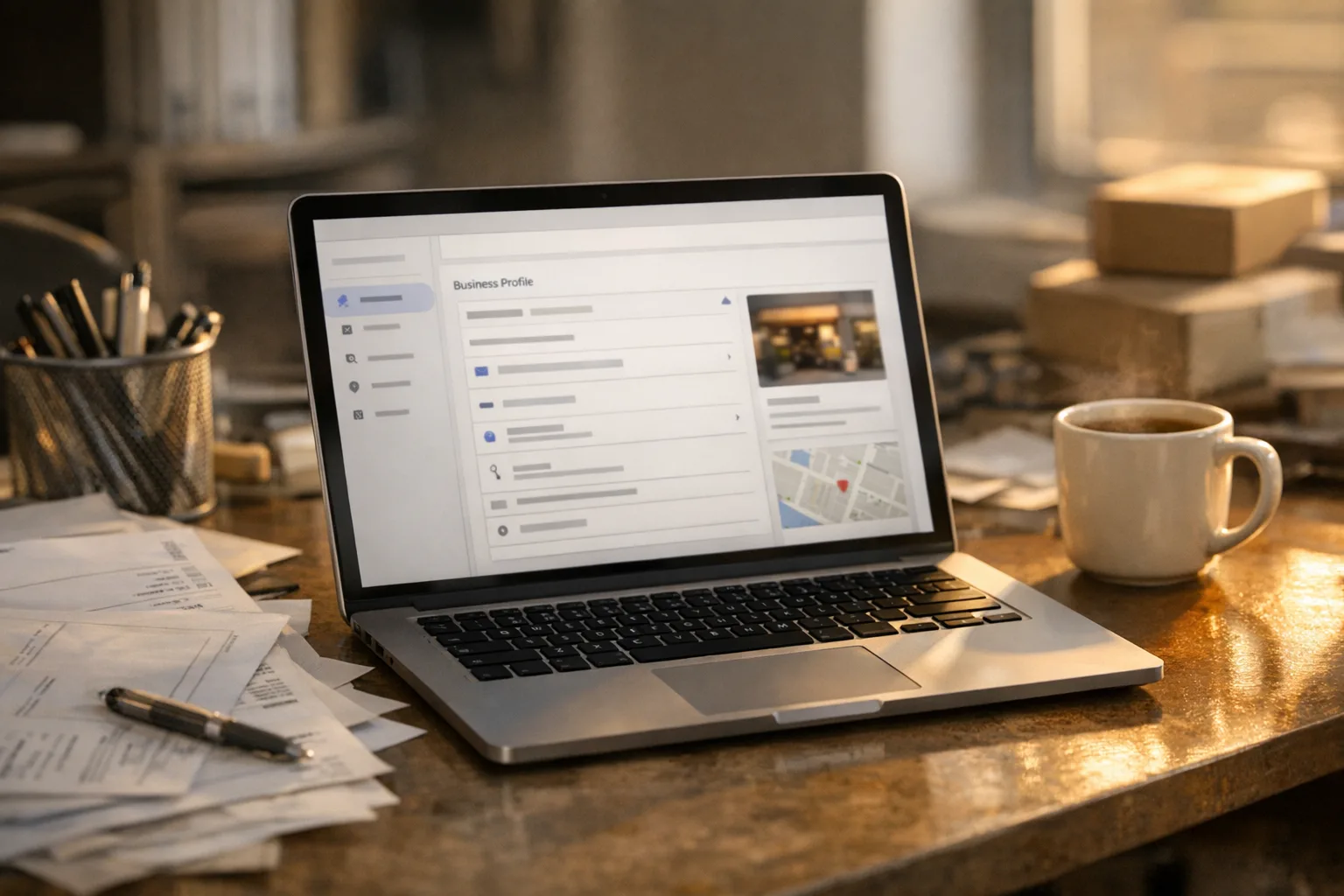
That includes your Google Business Profile, your website header or footer, your contact page, your service pages, and any older pages still hanging around from a previous site. If your Google profile shows one phone number, your contact page shows another, and an old plumbing page still lists the office line from three years ago, you have a problem.
Google cares because its job is to hand searchers a result it believes is accurate. If the same business appears with mixed information, that is a trust issue. Not in a dramatic, algorithm-conspiracy way. In a practical way. Google is trying to figure out whether your business details are settled or sloppy.
A contractor would put it this way: if three work orders have three different callback numbers on them, somebody is getting missed. Search works the same way.
This is one piece of local SEO that ships with every build, but whether you hire me or not, the rule stays the same: pick the correct business details and make them match everywhere.
Why one wrong phone number on one page costs you calls
Because people do not always enter through your homepage.
A lot of owners assume the only number that matters is the one on the contact page or in the Google Business Profile. That would be nice, but that is not how people browse. Someone may land on a service area page for Olathe, an old water heater repair page, or a mobile search result that jumps straight to a page you forgot existed.
If that page has the wrong number, a few things can happen:
- They call the wrong line and reach nobody.
- They hit an old tracking number that no longer goes anywhere useful.
- They stop trusting what they see and back out.
- Google sees mixed business data and has less confidence in your listing details.
That last part matters for small business local search because Google is comparing businesses that often look similar on the surface. If one company has clear, matching details and another has conflicting ones, the cleaner signal usually makes more sense to trust.
This is also why I do not treat local SEO like a mystery box. A lot of it is maintenance work and accuracy work. Not glamorous. Very useful.
What is going on behind the search result
Google is trying to verify that your business is the same business everywhere it finds you.
When somebody searches "plumber near me" or "electrician near me," Google pulls from several signals at once: proximity, relevance, the quality of your Google Business Profile, the content on your site, and consistency across your business information. NAP consistency supports that last part. It helps Google connect your website, your profile, and your business identity into one clean record.
That is where structured data helps too. Schema markup for local business is code on the page that labels key details for Google in plain machine-readable terms. On our builds, that includes schema.org types like LocalBusiness, Service, FAQPage, and Review. That does not guarantee rankings, and anybody who guarantees rankings is either lying or doing something they should not be doing. Search positions move, competitors change, and Google updates how it reads things.
What schema does do is reduce ambiguity. It helps Google read who you are, what you do, where you work, and how the page fits the business.
Same goes for the basics that sound boring because they are boring:
- XML sitemaps that are generated automatically and submitted through Google Search Console
- unique meta titles and descriptions on each page
- dedicated service area pages for each city you actually serve
- speed optimization so the site works on a phone without dragging
None of that is magic. It is just the kind of work that makes a local business easier to understand and easier to trust.
How to check your own NAP consistency right now
Start with your own business name in Google and compare what you find.
You can do this in a few minutes from your phone or laptop:
- Search your business name exactly as a customer would.
- Open your Google Business Profile and check the phone number.
- Open your homepage and find the phone number there.
- Open your contact page and check it again.
- Open at least one service page and one city page, if you have them.
- Look at the page footer on mobile, because that is often where old details survive.
You are checking for exact matches in your business name, address, and phone number.
If your office has a suite number, use it the same way everywhere. If your phone number is formatted differently with or without parentheses, that is usually not the end of the world. But if the digits differ, if one page uses an old line, or if a page lists a tracking number nobody answers, fix it.
I would also check whether your phone number is tappable on mobile. If somebody has to copy and paste it while their basement is filling with water, that is not helping.
If you want to go one step further, search your own site for your phone number and your old phone number. You may find pages you forgot existed.
NAP consistency is not the whole job
Matching business details matter, but they do not replace the rest of local search work.
If you want a cleaner shot at showing up on Google Maps and in regular local results, your site also needs real content for the services and places you want to be found for. A general contractor serving Lee's Summit, Independence, and Liberty should not have one vague paragraph that says "we serve the whole metro." Google and your customers both want more than that.
That is why dedicated service area pages matter. A real page for each city gives Google a clearer signal about relevance, and it gives the customer a page that actually speaks to their location and service need. We build those pages into our local sites because one catch-all page usually leaves too much on the table. If you want to see how that fits into the site itself, this is part of our custom website design for service businesses process.
Be honest about the timeline
Local SEO is built over months, not flipped on like a light switch.
If you fix a wrong number today, that is worth doing today because it can stop you from losing calls right away. But the broader effect of cleaning up your business signals, improving service pages, tightening your Google Business Profile, and letting Google recrawl the site takes time.
That is normal. Search engines need time to crawl pages, process changes, and decide whether they trust the new version of the information. Your competitors are also updating their own sites and profiles. That is why nobody honest should promise a guaranteed position by a certain date.
I do not guarantee rankings because I do not control Google, your competitors, or the market. Anyone who claims they do either is overselling or is using shortcuts that can backfire later. Usually both.
What you can control is whether your site is accurate, fast, clearly structured, and built around the actual services and locations you want calls from.
What to do this week
First, pick one official version of your business name, address, and phone number and write it down exactly as it should appear.
Then do these three things:
- Check your Google Business Profile and make sure the number there is correct.
- Compare the phone number on your homepage, contact page, and at least one service page and one city page.
- Search your site for any old phone number, old business name, or old address and replace it.
If you are rebuilding your site anyway, this is the kind of cleanup I handle during setup. Every ServingTheBest build includes NAP consistency work, schema.org markup, automatic XML sitemaps submitted through Search Console, unique page titles and descriptions, service area pages, and speed optimization. Owners can also update text, photos, service areas, and posts themselves through a clean content management dashboard, which makes it a lot easier to keep business info current instead of letting old details rot in place.
If you do nothing else this week, verify the phone number a customer sees first and the phone number Google sees first. That one check is not glamorous, but it is the kind of boring fix that keeps a real call from going to the wrong place.