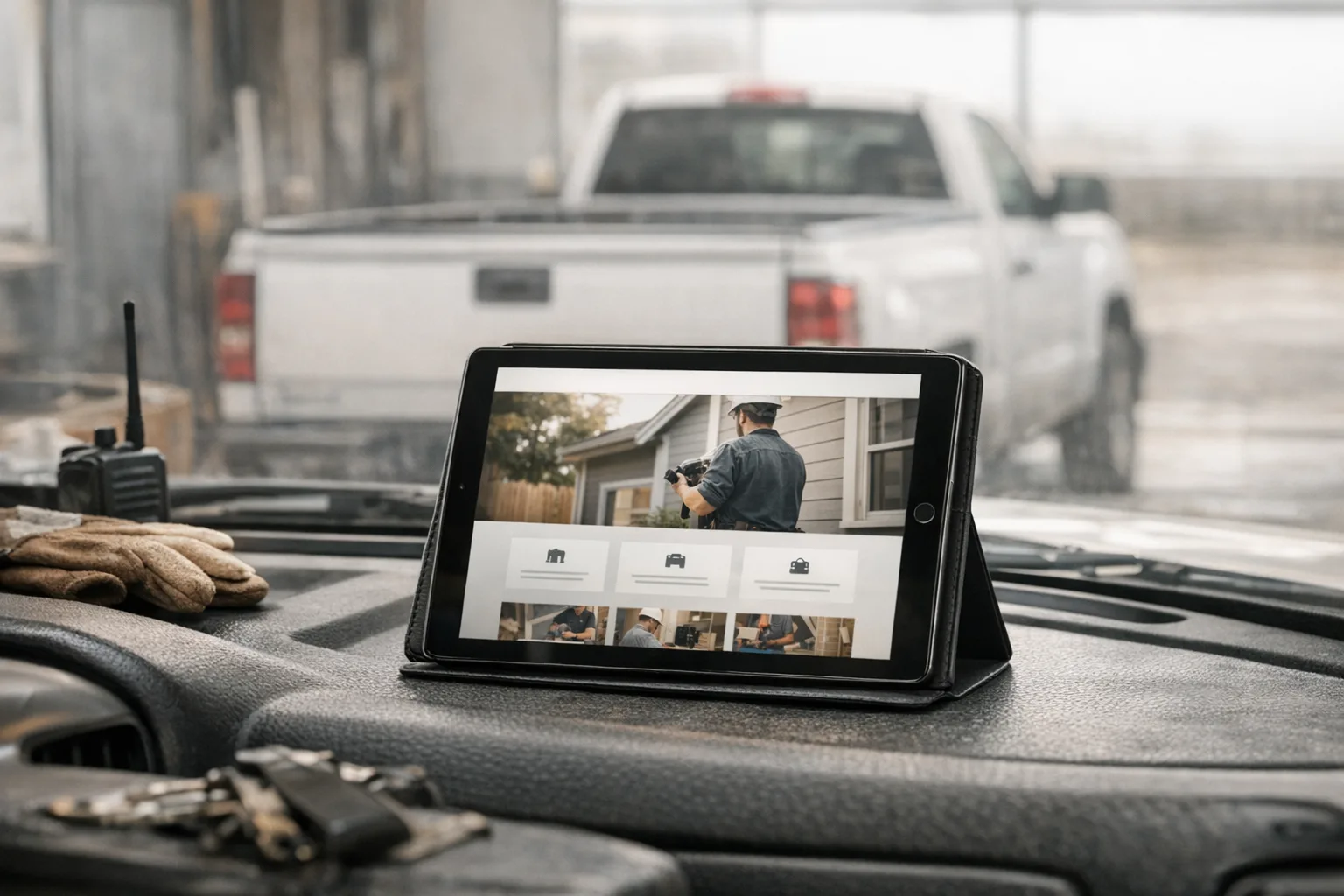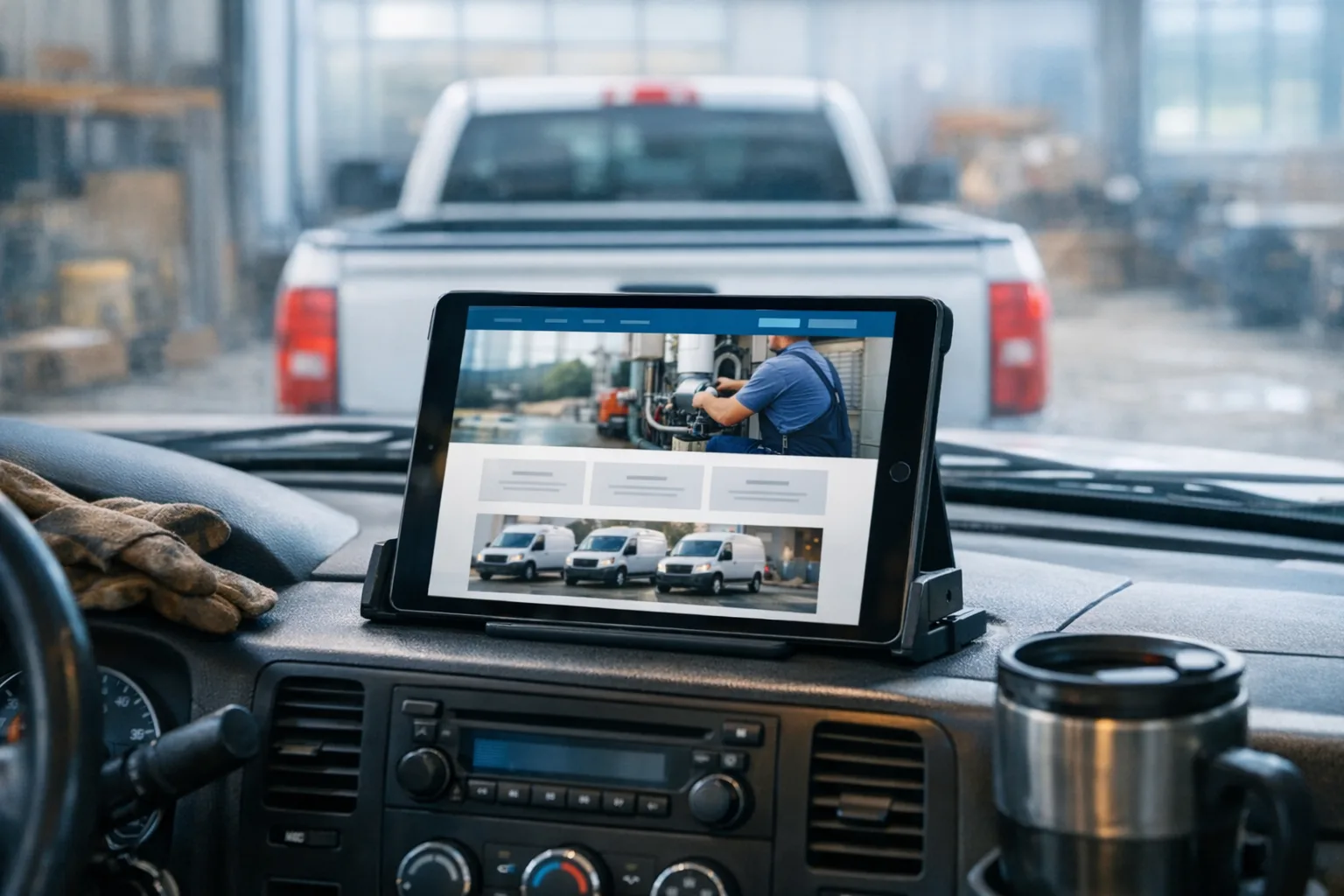
A homeowner lands on your site from their phone, looks for about five seconds, and gets that vague feeling they have seen this company before. Same smiling couple in a spotless kitchen. Same technician with the bright white hard hat. Same truck photo that clearly is not from your town, your fleet, or your weather.
That is the problem with stock photos on a website for service business owners. Most customers will not say, “These are stock images.” They just feel less sure. If the homepage could belong to any plumber, electrician, or contractor in any state, trust drops before they ever tap the phone number.
Are stock photos bad for a service business website?
Usually, yes. For a local service business, real photos of your own crew, trucks, jobs, and office almost always do a better job than stock.
The reason is simple. People hire local companies because they want to know who is showing up at the house. They want to see an actual truck, an actual uniform, an actual person, and signs that the business is real and nearby. A polished stock image can make a site look more generic, not more professional.
I have rebuilt a lot of sites where the design was not the biggest issue. The bigger issue was that nothing on the page proved the company was real. The template was fine. The colors were fine. But the photos showed models, not employees, and spotless staged homes instead of real work. The result was a homepage with no fingerprints on it.
That matters because your website is not a billboard on the highway. It is a trust check. A customer is trying to answer a short list of questions fast:
- Are these people local?
- Do they actually do this work?
- Can I call them right now?
- Do they seem organized enough to show up?
Real photos help answer all four.
What is really going on underneath these generic-looking sites?
Most generic sites come from the same mix of shortcuts: a template, a page builder, too many plugins, and filler images dropped in to make the layout look finished.
None of those things are automatically evil. They are just easy to outgrow.
A lot of business owners did not choose a bad site because they were careless. They chose what was available. Maybe a freelancer set up WordPress and disappeared. Maybe a family member got something online quickly. Maybe an agency sold a “custom” site that turned out to be the same theme they used for three other contractors.
The trouble shows up later.
Stock photos are often used to hide a content problem. If nobody collected photos from real jobs, the design gets filled with generic images. If no one wrote copy specific to your service area, the page says broad, forgettable things like “quality service you can trust.” If the site runs on a plugin stack, each visual effect adds one more moving part that can slow down, conflict, or break after an update.
On a phone, that usually means a few specific failures:
- oversized images loading on cellular data
- sliders or animations delaying what the customer actually came for
- the phone number pushed below the fold
- service pages that all look the same because the photos are interchangeable
- contact forms buried under blocks of filler content
A homeowner does not know there is a plugin conflict or an uncompressed hero image. They just know the page feels slow, vague, and harder than it should be to use.
Why real crew and truck photos work better
Real photos make a mobile-friendly website feel believable.
They do not have to look like magazine ads. In fact, they usually should not. A clean shot of your actual service van in front of a local landmark will often do more for trust than a perfect stock image of a van nobody owns. A group photo in front of your shop can do more than a staged handshake in an office tower your customers know you do not have.
The best real photos for a local service site are usually very ordinary:
- trucks or vans with your branding visible
- crew members in work clothes, not models in costumes
- before-and-after job photos
- equipment on site
- your office, yard, or shop
- you or your dispatcher answering the phone
Those images tell the customer, “Yes, this company exists in the real world.”
They also help with local relevance. If you serve homeowners in and around one metro or a set of smaller towns, your photos should look like those places. The houses, the weather, the soil, the streets, the trucks in the driveway, even the light in the photo all carry quiet signals. People pick up on them faster than most owners realize.
When stock photos are acceptable
Stock photos are fine as support, not as the main proof that your business is real.
If you need a background texture, a simple image for a blog post, or a placeholder while you are gathering real photos, that is reasonable. A newer business may not have a big job photo library yet. A solo operator may not have had anyone around to take pictures on site. That is common.
The mistake is letting stock photography become the face of the company for years.
If you have to use stock images for now, use them lightly and make sure the rest of the site carries real proof:
- photos of your actual team where possible
- clear service area pages
- your real phone number at the top of the page
- accurate business hours
- original copy that sounds like your business, not a brochure
That is also where solid local SEO that ships with every build matters. Search visibility is not just keywords. It is also a site that clearly ties your real business to the places you serve.
How to judge your own site honestly
Open your site on your phone using cell data, not office Wi-Fi. That one step will tell you more than staring at it on a desktop monitor.
Then check a few basic things.
First, count how long it takes before the page looks usable. Not fully perfect, just usable. Can you read the headline, see what the company does, and tap the phone number without waiting through a slow banner image?
Second, look at the photos like a stranger would. Do they clearly show your people, your vehicles, your work, or your area? Or do they look like they came preloaded with the template?
Third, count how many taps it takes to find the phone number and request service. If the customer has to hunt for either one, the site is working against you.
Fourth, ask one recent customer what they thought before they called. Not whether they “liked the website.” Ask what made them trust you enough to pick up the phone. Their answer is usually more useful than your own opinion.
Fifth, check whether you can update the site yourself. If changing one photo or swapping out an old crew picture means emailing a developer and waiting, that becomes a maintenance problem. Stale sites do not usually die in one dramatic moment. They drift. Old photos stay up. Old staff stay listed. Old service areas never get corrected.
That is why I care a lot about a clean admin dashboard you can use yourself. Owners should be able to change text, photos, service areas, and posts without touching code or chasing down the person who built the site.
DIY builders and WordPress have real tradeoffs, not moral failings
A lot of owners assume the decision is between cheap and bad or expensive and good. It is not that simple.
DIY builders can be perfectly reasonable when you need something online fast and your needs are simple. WordPress can also be fine when it is set up carefully and maintained by someone who sticks around. The problem is not the label. The problem is the long-term cost of convenience.
Usually that cost shows up in one of three ways.
The first is sameness. Templates make it easy to launch a site that looks polished but forgettable. If the photos are also stock, there is very little left that feels specific to your company.
The second is maintenance. A plugin is a small add-on that gives the site a feature. Enough plugins together become a stack of dependencies. One handles forms, one handles image galleries, one handles SEO, one handles backups, one handles caching, and on it goes. Any one of them can age badly, conflict with another, or stop being supported.
The third is ownership friction. If you cannot update the site without help, small problems linger. That is how a contact page ends up showing holiday hours from two winters ago.
Good systems reduce all of that. We build hand-designed sites with no templates and no page builders, which keeps the code lean and the site easier to maintain. We also host and manage the sites after launch, so SSL, CDN delivery, daily backups, security patches, uptime monitoring, and platform improvements are handled in one place instead of stitched together from six vendors and a prayer.
What good looks like for a business your size
For most local service businesses, good does not mean flashy. It means clear, fast, specific, and current.
A good site loads quickly on a phone, shows what you do right away, puts the phone number where a tired customer can find it without thinking, and uses real photos that make the company feel local and real. The pages are easy to update. The forms work. The basics stay maintained.
If you are replacing an older site, that does not have to turn into a six-month project. Our custom builds start at $600 and are scoped to the business, with design, copywriting, content setup, SEO configuration, and launch included, and most sites go from kickoff to launch in 2 to 4 weeks. Ongoing hosting and management starts at $50/mo.
Your next step this week is simple: pick five photos from your phone that prove your business is real. One truck, one crew shot, one job in progress, one finished result, and one photo of your shop or office. Then look at your homepage and ask a blunt question: do those five photos make a stronger first impression than what is there now?
Most of the time, they do.