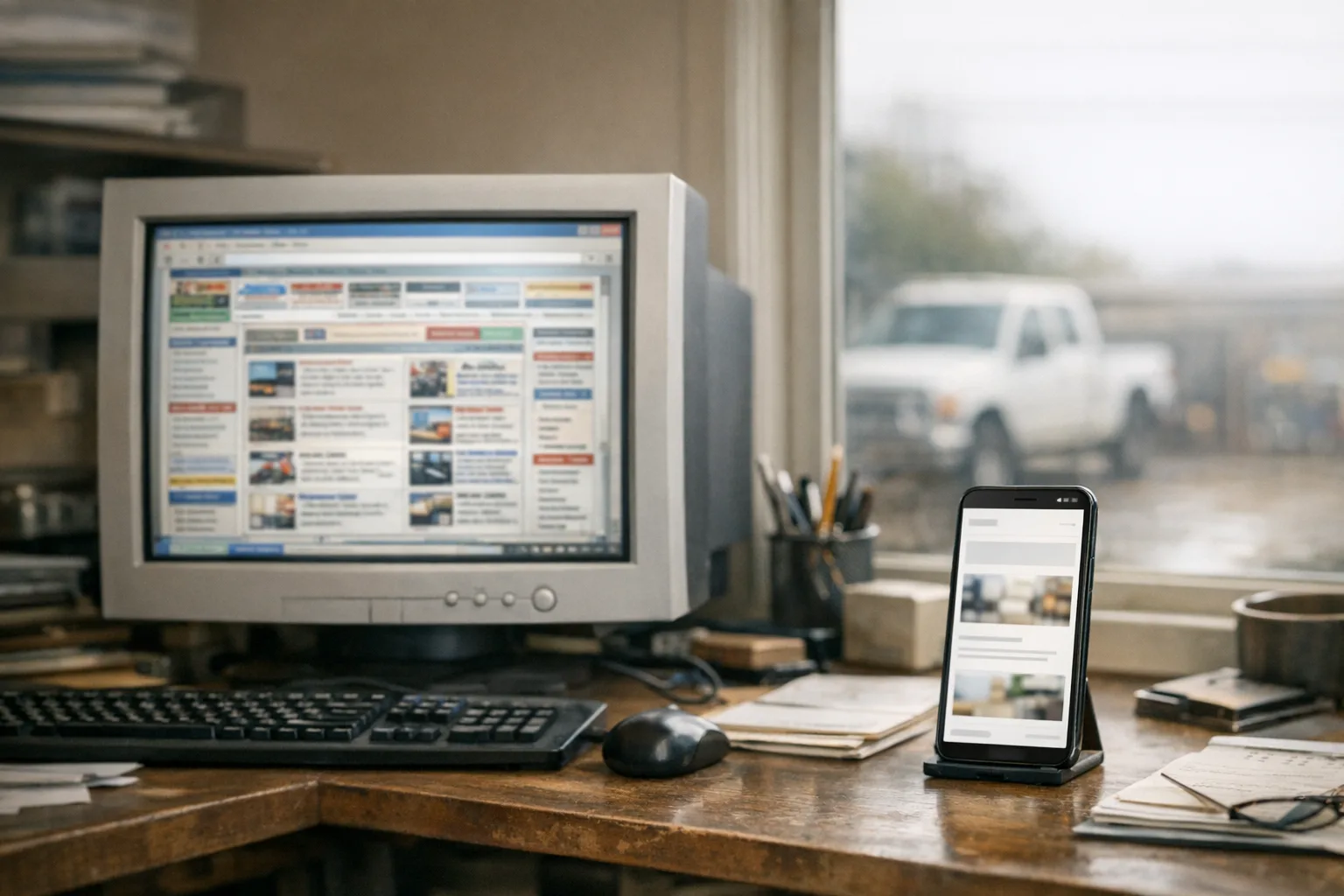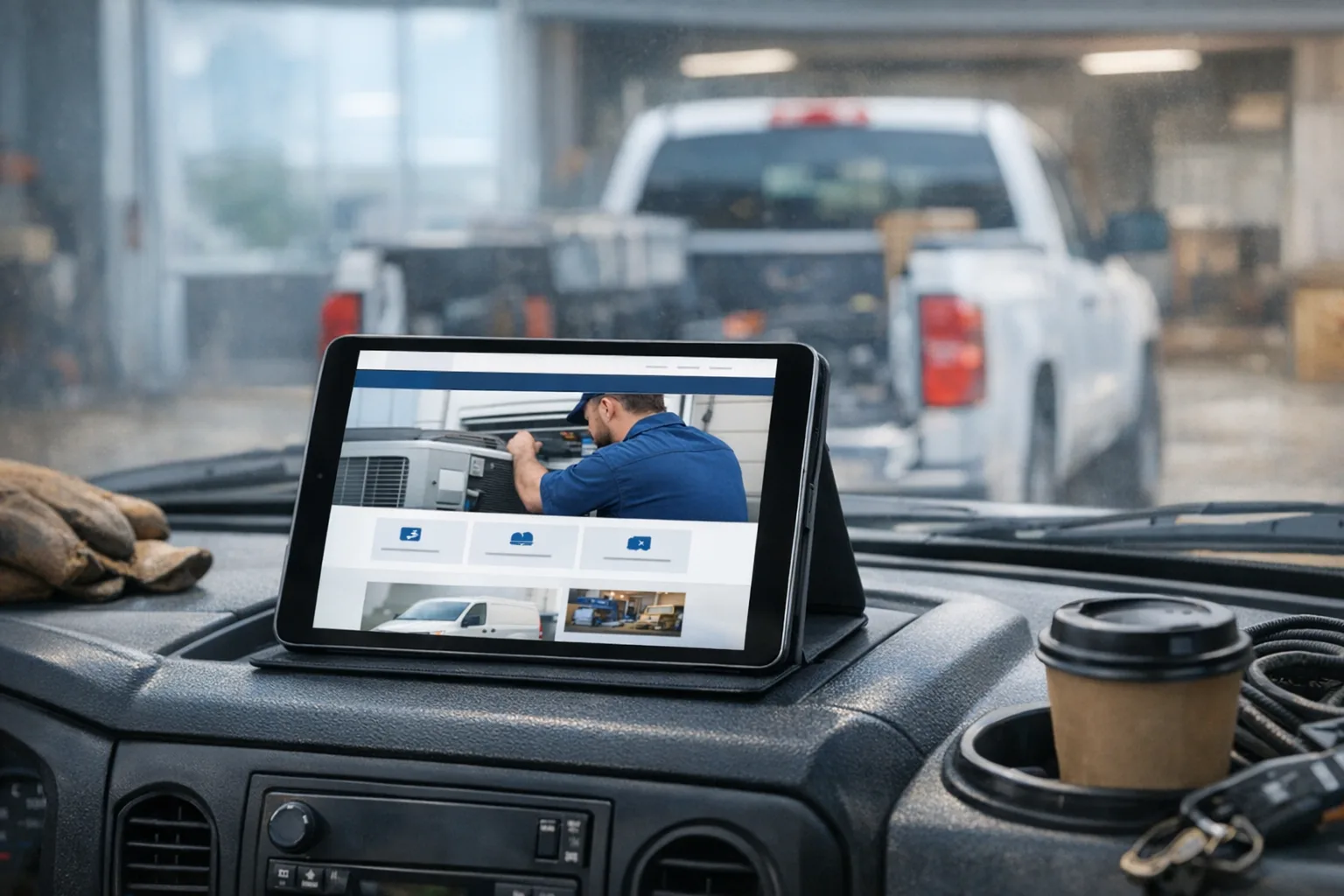
Your phone loads a contractor's site on cell data, and you get the spinning wheel. The hero image finally appears, then a pop-up covers it, then the menu sticks halfway off the screen. You tap Contact and find office hours from two winters ago, a dead map embed, and a phone number buried below a form.
That is the kind of small business website redesign problem owners usually notice only after the site has been live for a while. It did launch. It looked fine in the sales demo. But a homeowner standing in a driveway with one bar of signal is not seeing the sales demo. They are seeing your actual website for service business work under real conditions.
What you are really buying with a template site
Most template sites are not scams. The issue is that you are often buying speed of assembly, not fit.
A template gives the builder a pre-made layout, pre-made sections, and usually a pre-made system for swapping colors, text, and photos. That can be useful. If the business is simple, the budget is tight, and the site only needs to exist, a template can get something online faster.
The tradeoff is underneath. To make one template work for many businesses, it usually carries extra code, extra design options, and extra features whether you need them or not. That is part of why a so-called mobile-friendly website can still feel slow on a phone. The browser is loading sliders, animation libraries, font files, giant images, tracking scripts, map embeds, review widgets, and plugin code before the visitor has even found the phone number.
Then there is the content problem. A template site often gets filled with stock photos, broad copy, and service text that could belong to any company in any state. If the homepage says "quality service you can trust" over a photo of a smiling couple in a kitchen nobody in your county has ever seen, the site does not feel local. It feels rented.
That matters more than people think. Homeowners are making trust decisions fast. They are looking for signs that you are real, nearby, and active. Real project photos, actual service areas, specific services, and clear contact information do more work than fancy motion effects ever will.
What is usually going on underneath the slow, generic site
Most of the time, the problem is not one single bad choice. It is a stack of small choices that pile up.
A lot of inherited WordPress sites have this pattern: a theme, a page builder, a handful of plugins, maybe another handful added later, and nobody fully sure which piece is controlling what. A plugin is just an add-on that gives the site a feature, but every add-on is also one more thing to update, test, and keep compatible.
Here is what that looks like in plain business terms:
- The visual builder adds weight so pages take longer to load.
- Old plugins stop getting updates and become security risks.
- A contact form breaks after an update and nobody notices for a week.
- The image slider looks impressive on desktop but takes forever on mobile.
- The business changes service areas, hours, or staff, but nobody wants to touch the site because editing it is confusing.
That last one is a big reason a website gets quietly expensive to own. If every text change means emailing a developer, waiting, paying, and hoping they still answer, the site starts aging in place. That is how you end up with expired coupons, old trucks in the gallery, and a service page that still says you are "now accepting new appointments" from last spring.
A hand-built site is not magic. It still needs hosting, updates, backups, and somebody paying attention. But when a site is designed and built specifically for one business, it can be much leaner. The code only needs to support your pages, your forms, your photos, and your calls to action. That usually means better page speed, less clutter, and fewer moving parts.
Template vs hand-built: what you are actually paying for
You are not just paying for looks. You are paying for decisions.
With a hand-built site, somebody has to think through what a real customer needs in the first few seconds: what service you offer, where you work, why you look trustworthy, and how to contact you without hunting. Good contractor website design is less about decoration and more about removing friction.
You are also paying for structure. That means pages written around your actual services, service area pages that make sense for the towns you serve, photo layouts built around your own work, and calls to action placed where people actually need them.
You are paying for restraint too. A lot of bad websites are trying too hard. Too many effects, too many banners, too many things moving, too many blocks copied from a template because they were there. A hand-built site can leave out what does not help. That sounds simple. It is not.
And you are paying for ownership costs later. A site that is easier to maintain is cheaper in ways that do not show up on day one.
For example, on our side, we build custom sites by hand with no templates or page builders, and we set them up so the owner can update text, photos, service areas, and blog posts in a clean admin dashboard made for normal business owners. That does not mean no work is ever required. It means changing a city page should not feel like disarming a bomb.
How to judge your own site honestly
The fastest way to judge a website is to use it like a customer, not like the owner who already knows where everything is.
Start with your phone, off Wi-Fi, on cell data. If your homepage drags, jumps around while loading, or hides the useful stuff below a giant image, that is a real problem. Not a theoretical one.
Then check the basics:
- Can you find the phone number without scrolling much?
- Can you tell what cities or towns the business serves?
- Do the photos show the company's real work, trucks, crew, or projects?
- Does the contact form work, and does somebody get notified right away?
- Are the hours, service list, and about page current?
- Can a customer request a quote in a minute or two?
Next, ask one customer or one non-technical friend to look at the site and tell you what they think the business does. Do not guide them. If they hesitate, guess wrong, or say "it looks kind of generic," listen to that.
Also count clicks. If it takes several steps to find your phone number, financing info, service area, or main service pages, the site is making people work too hard.
Finally, be honest about maintenance. If nobody knows how to update the site, if updates are being skipped, or if the site has been untouched for a long stretch, you do not just have a design issue. You have a website maintenance for small business issue.
DIY builders and WordPress do have a place
They are not evil. They are tools.
A DIY builder can make sense when a business is brand new and just needs a clean placeholder while everything else is getting figured out. WordPress can also be a solid fit when it is built carefully, kept lean, and maintained by someone who knows exactly what is installed and why.
The problem is not the label. The problem is when the owner is sold simplicity but inherits complexity.
A page builder promises easy editing, but the page becomes a maze of nested blocks. A theme promises custom design, but three other companies nearby are using the same bones. A cheap build promises low cost, but the business spends the next few years patching forms, replacing plugins, and wondering why the site feels old.
That is the real custom website vs template conversation. Not pride. Not snobbery. Just what it costs to live with the thing after launch.
What good looks like for a business your size
For most local service businesses, good is not complicated. Good means the site loads fast on a phone, uses real photos, explains services clearly, shows the service area, and makes calling or requesting a quote easy.
Good also means it can stay current. If you add a town, change a service line, post recent work, or swap out photos, that should be manageable without chasing down a developer every time.
And good means the site is being maintained after launch. Hosting is not just renting server space. It should cover the practical stuff that keeps the site dependable: SSL, which is the security layer that gives you the padlock in the browser; CDN delivery, which means the site's files are served efficiently; daily backups; security patches; uptime monitoring; and improvements to the platform over time. That is the side of website hosting for contractors and other service businesses most owners only think about after something breaks.
When we build a site, it is hand-designed, mobile-first, based on the business's actual work and photos, and typically launched in 2 to 4 weeks from kickoff. Local SEO setup is part of the build too, including the practical pieces that help search engines understand the business and its service areas, not empty ranking promises. You can read more about that on our custom website design service page.
This week, do one simple test: open your website on your phone with Wi-Fi turned off, and try to contact your own business like a customer would. Time is not even the main issue. Friction is. If the phone number is hard to find, the photos do not feel real, or the page drags on load, write those down first. That list will tell you more than any sales pitch will.