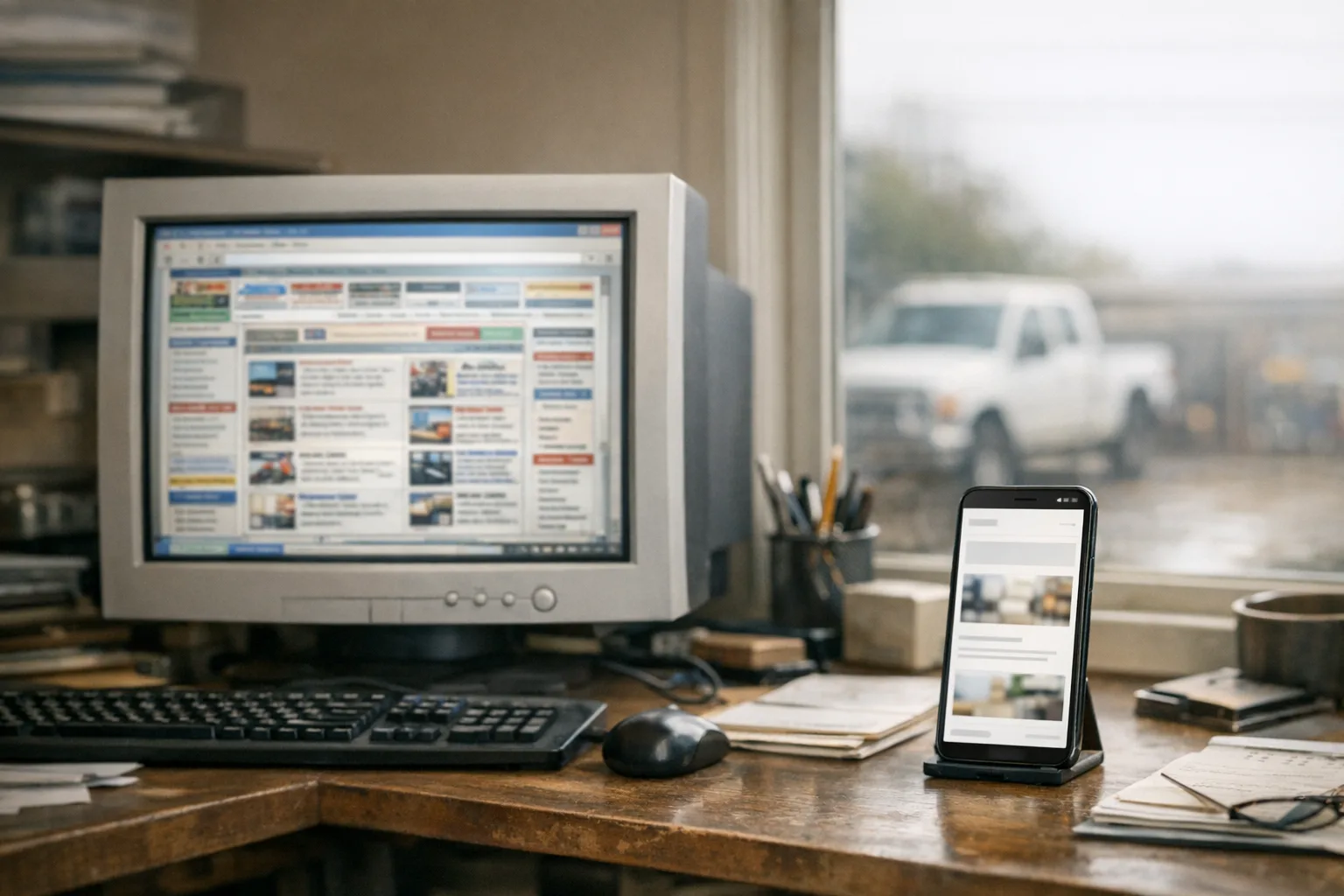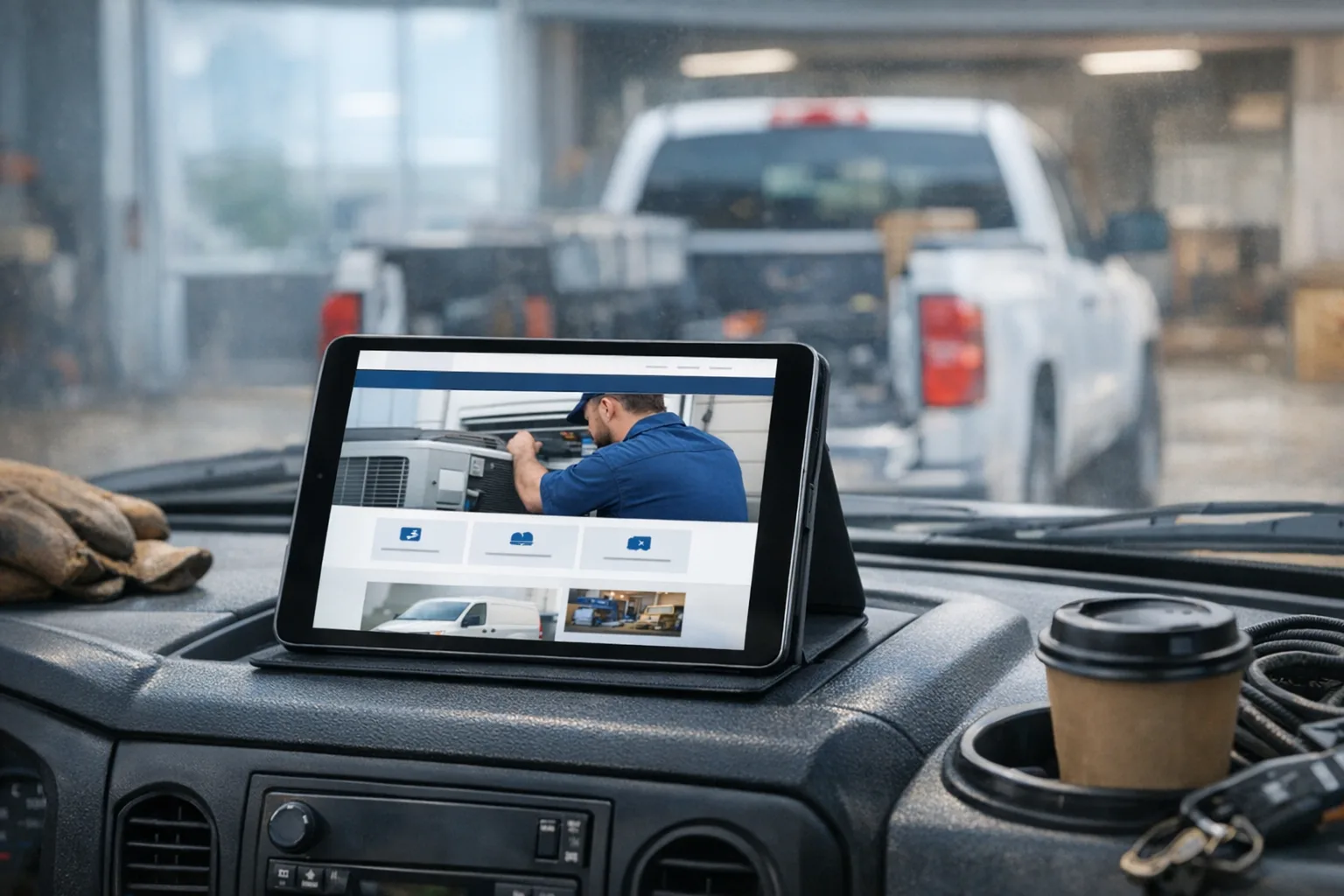
A homeowner taps your site from a Google search while standing in a driveway with a leaking pipe, a dead outlet, or a roof problem they just noticed. On your laptop in the office, the site seems fine. On their phone over cell data, it hangs for eight seconds, the banner image crawls in, and the phone number is nowhere obvious.
That is how a slow website on a phone costs you work. Not through some dramatic technical failure. Just through a handful of delays and annoyances that make a tired person back out and call the next company.
Why a slow website on a phone happens in the first place
A slow website on a phone is usually not one big issue. It is several ordinary problems stacked on top of each other.
Most of the time, when I inherit an older site, I find some version of the same setup: a heavy theme, a page builder, a pile of plugins, giant stock photos, scripts loading on every page whether they are needed or not, and a site that has not really been maintained since launch. None of those choices sound fatal by themselves. Together, they make a phone work a lot harder than it should.
Here is what is actually loading slowly behind the scenes:
- Oversized images. A nice-looking crew photo straight from a phone or camera can be far larger than a website needs. If that image is not resized and compressed properly, a phone has to download a lot more data than necessary.
- Bulky templates and page builders. These tools can be useful, but they often load extra code for layout features your site is not even using.
- Too many plugins. A plugin is an add-on that gives a site extra features. The problem is that each one can add its own files, scripts, styling, and update needs.
- Third-party widgets. Chat tools, tracking tools, popups, review sliders, map embeds, and social feeds all add more moving parts.
- Cheap or neglected hosting. If the server is slow, overloaded, or missing basics like caching and proper delivery, every page starts behind.
- Missing maintenance. Software ages. Plugins conflict. Old code stops playing nicely with newer browsers and devices.
On a desktop in a fast office connection, some of this gets hidden. On a phone, it shows up fast. Mobile browsers are dealing with smaller screens, less processing power, and often a weaker connection. That means a site that feels merely clunky on a computer can feel broken on a phone.
What a homeowner actually notices
They do not notice your plugin count. They notice that the page feels annoying.
This is where a lot of website talk goes off the rails. Owners get sold reports, scores, and graphs, when the real question is simple: what does a customer experience in the first few seconds?
Usually they notice things like this:
- The page does not appear right away.
- The text jumps around while images load.
- The call button is hard to find.
- A giant hero image takes over the screen.
- The menu is cramped or awkward.
- The contact form is too long for a phone.
- The map, review widget, and popup all compete for attention before the person can do the one thing they came to do.
For a local service business, a mobile-friendly website is not about looking trendy. It is about getting out of the customer's way. If somebody needs an electrician in a specific town or a plumber on short notice, they should be able to confirm that you serve the area, see that you look legitimate, and call or send a request without hunting around.
A lot of websites lose that moment because they try to do too much before earning the next click.
What it costs you when your site loads slowly
A slow site costs you attention first. Jobs come later.
I am careful with promises and numbers here, because no honest developer can guarantee rankings or lead volume. But I can tell you what I see over and over again. When a site is slow on a phone, people do fewer of the useful things: they view fewer pages, they are less likely to finish a form, and they are more likely to leave before they even see the service area or phone number.
The cost is usually quiet:
- The customer never makes it to your contact page.
- They assume the business is smaller, less active, or less organized than it really is.
- They decide your company may not answer quickly if the site itself feels neglected.
- Google has a harder time understanding and trusting a weak technical setup, especially if the site is also thin on local detail.
That last point matters. Speed is not the only part of local SEO that ships with every build, and it is not magic on its own. But if your site is slow, confusing, and hard to use on a phone, you are making every other part of your online presence work harder.
How to judge your own site honestly
The best test is not your office computer. It is your own phone on cell data.
Open your site without Wi-Fi. Better yet, stand outside or sit in the truck where the signal is ordinary, not perfect. Then go through the site like a customer who has never heard of you.
Check these basic things:
- Does the homepage show something useful quickly?
- Can you see what the company actually does without scrolling forever?
- Is the phone number obvious right away?
- Can you tell what towns or service areas you cover?
- Are the photos clearly your work, your crew, or your trucks, or could they belong to anyone?
- How many taps does it take to request a quote?
- Does the contact form ask only for what you truly need?
- Are the hours, service list, and about text current?
Then ask one person who is not inside the business. A recent customer is ideal. Ask them to look at the site for one minute on their phone and tell you what they think the company does, where it works, and what action they would take next. You will learn more from that than from a lot of fancy website audits.
If they say, "It looks fine, but I had to dig for the number," that is useful. If they say, "I was not sure whether you work in my area," that matters. If they say, "It loaded kind of slow," believe them.
WordPress and DIY builders are not evil, but they do have real costs
They can be perfectly reasonable choices. The problem is that the tradeoffs are often hidden at the start.
WordPress, for example, powers a lot of good websites. I have also inherited plenty of WordPress sites that became expensive in a very boring way. The owner did not notice a problem at first. Then a plugin stopped updating, the form broke, the site got bloated, or nobody knew which part could be safely changed without knocking something loose.
DIY builders have their own tradeoffs. They are convenient, and for some very small operations that is enough. But convenience often comes with heavier code, limited control over what loads, and layouts that start to look like everyone else in the same category.
That is why the question is not whether a platform is good or bad. The question is what it costs to own over time.
Those costs can include:
- More maintenance than expected
- Slower pages on phones
- Limited control over layout and content structure
- Difficulty fixing small issues without affecting something else
- A redesign sooner than you hoped because the site already feels dated
Most owners did not make a foolish decision. They bought what was available, affordable, or easy to launch at the time. That is normal. The trouble usually shows up later.
What good looks like for a small service business
Good does not mean flashy. Good means fast, clear, believable, and easy to maintain.
For a contractor, plumber, electrician, or similar local business, a solid website for service business use should load quickly on a phone, use real photos of your actual work, explain services in plain language, and make calling or requesting a quote simple. It should also be easy for you to update without needing a developer every time you want to change text, swap photos, add a service area, or publish a post.
That is a big reason we build sites by hand instead of using templates or page builders. Hand-built does not mean fancy for the sake of fancy. It means we control what loads, keep the code lean, design mobile-first, and avoid dragging in five extra systems to accomplish one basic task. If you want to see how that fits into a real build, our custom website design process covers what is included. Builds start at $600 and are scoped to the business.
A good site also needs to stay good after launch. Hosting is not just where the files sit. Ongoing care matters: SSL for secure loading, CDN delivery so content is served efficiently, daily backups, security patches, uptime monitoring, and platform improvements that roll out across sites without each owner having to think about them individually. That is the practical side of hosting and management, which starts at $50/mo.
None of that guarantees rankings or floods your phone with leads. What it does do is remove the avoidable friction that makes people leave.
One practical step to take this week
Run your own five-minute phone test.
Turn off Wi-Fi, open your homepage, and time how long it takes before a customer can tell three things: what you do, where you work, and how to contact you. If that takes too long, or if you have to explain away parts of the site with "yeah, we need to fix that," write down the exact spots where it falls apart.
That short list will tell you more than guesswork. It will also show you whether you need a few targeted fixes or a proper small business website redesign.